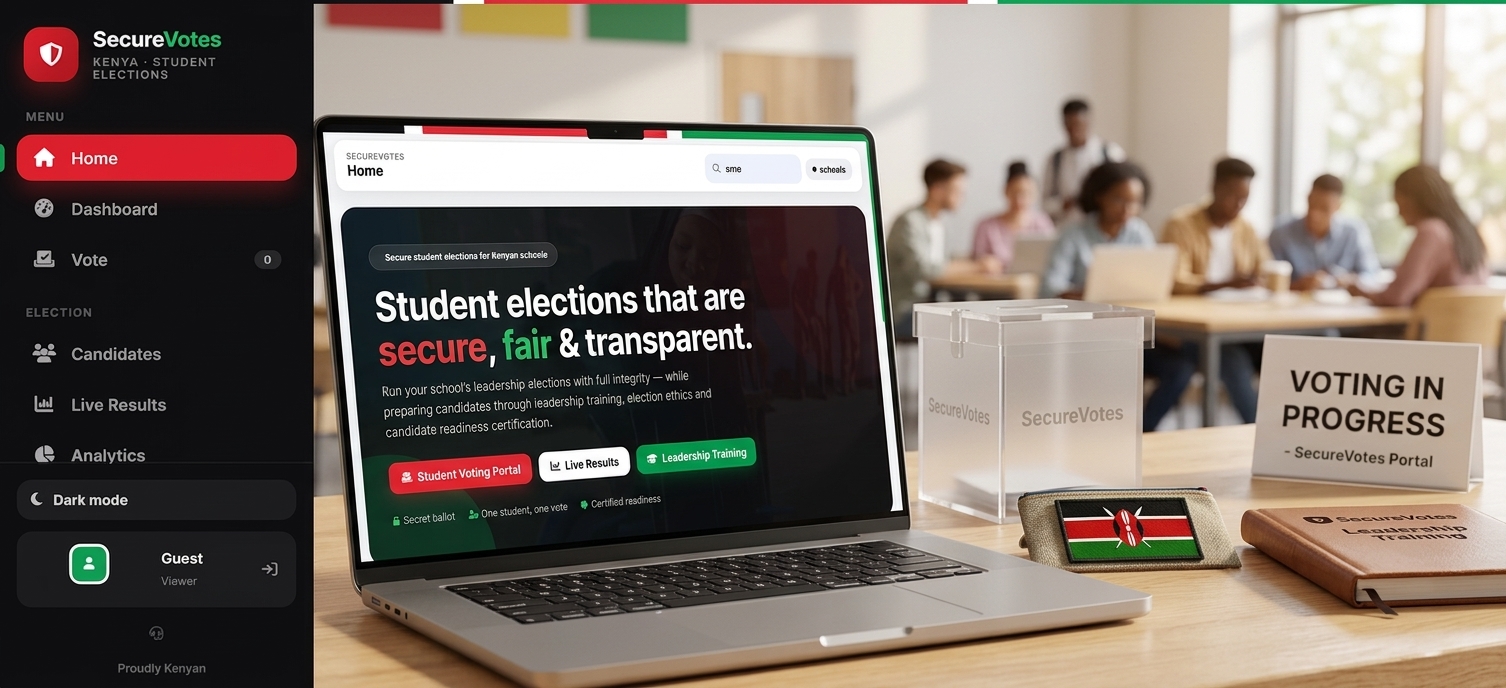
 Secure student elections for Kenyan schools
Student elections that are secure, fair & transparent.
Run your school's leadership elections with full integrity — while preparing candidates through leadership training, election ethics and candidate readiness certification.
How SecureVotes works
The school admin registers students with PINs (individually or by CSV import), confirms attendance, creates positions and candidates, and opens the election.

Each student signs in with their school code, admission number and PIN, then casts a secret ballot — one vote per position.

Live results update as ballots are cast, and when the term ends the school starts the next election with a completely fresh candidate list.
Election Dashboard
Manage everything about your school's election from hereCandidates
Everyone vying for a positionFrequently Asked Questions
How does my school get started with SecureVotes?
SecureVotes is a paid platform. To onboard your school, contact us at support@securevotes.co.ke or +254 798 156 000. After onboarding and payment, we issue you a registration passcode. Open the Register Your School form (the "Register your school" button on the Help & Support page or the homepage), enter the passcode along with your school's details, and the system will create your school account, your first admin user and your first election in one step.
How do students sign in to vote?
Use your school code, your admission number and the PIN given by your school's election coordinator. Each PIN works for one student and every vote is recorded anonymously.
Is my vote really secret?
Yes. Ballots are stored with an anonymised voter token — not your name or admission number. Your confirmation code only proves that you voted, never who you voted for.
Can someone vote twice?
No. The server atomically records an entitlement the moment a ballot is cast, so even two devices submitting at the same instant cannot double-vote.
What is the attendance register?
Before voting opens, the coordinator marks who is present, like a class register. Absent students cannot sign in, and the turnout percentage is calculated from confirmed voters only.
How do we register many students at once?
Use the Import CSV button on the Dashboard: prepare a spreadsheet with Admission Number, Full Name, Grade, Stream and (optionally) PIN columns, and the system registers everyone at once — then download the PIN slips to print.
What happens to candidates when the election period ends?
When a school starts its next election period (once or thrice a year), the ballot starts completely fresh — new positions and new candidates. Previous candidates and results stay archived for audits.
How do I earn the Readiness Certificate?
Work through the Leadership Training modules, then pass the Candidate Readiness Assessment with a score of at least 6 out of 8. Your certificate is generated instantly and can be printed.